
By Lemo IPTV Support Team. Published .
For IPTV, a steady connection matters more than a high speed. As a reference point, Netflix recommends about 5 Mbps for HD and 15 Mbps for 4K on each screen. Plan for at least that much per screen that watches at the same time, plus headroom for everything else in the house.
Speed per screen
IPTV streams work like other video streams: higher resolution needs more data. Rough per-screen guidance:
| Quality | Comfortable speed per screen |
|---|---|
| HD (720p) | about 5 Mbps |
| Full HD (1080p) | 5–10 Mbps |
| 4K | 15–25 Mbps |
These figures are guidance, not guarantees. Sports at a high frame rate need more than a talk show at the same resolution.
Add up your household
Add the streams that run at the same time, then add room for everything else:
- Two Full HD TVs watching at once: about 20 Mbps for IPTV.
- Phones, video calls, game consoles, cloud backups: add a margin on top. A connection with about twice the total you calculated gives you comfortable headroom.
If you're choosing how many connections to buy, count the same screens.
Measure speed in the right place
A speed test on your phone next to the router tells you what your internet plan delivers. A test next to the TV tells you what the TV actually gets, and that's the number that matters.
- Stand where the streaming stick or TV is.
- Run a speed test on your phone on the same Wi-Fi network the TV uses.
- Run it again at the time of day you usually watch, since evening results can be lower.
- Some players and devices have a built-in network test. On Fire TV it's under Settings → Network → Check network status.
Stability beats speed
A 300 Mbps plan won't help if the Wi-Fi signal behind the TV keeps dropping. Things that improve stability:
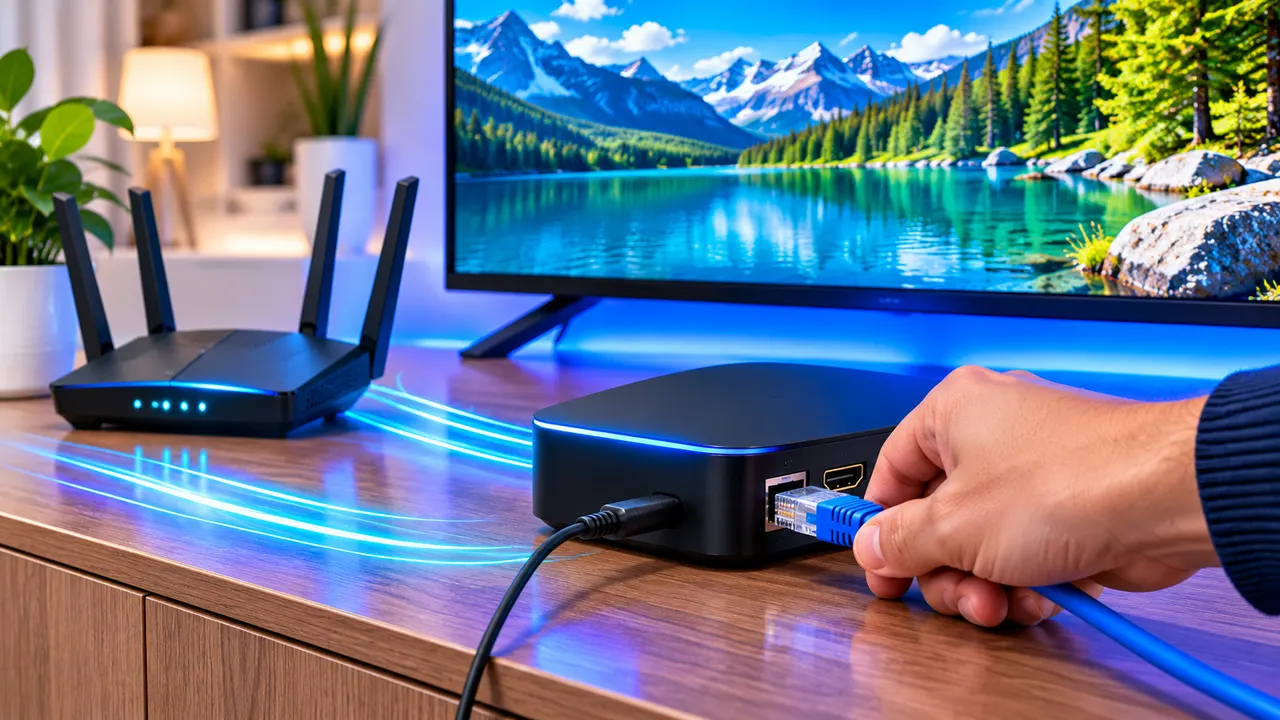
- Ethernet. A cable is the single biggest improvement for live sports. Fire TV and Chromecast devices can use an Ethernet adapter.
- 5 GHz Wi-Fi when the TV is close to the router; 2.4 GHz reaches further but is slower and more crowded.
- Mesh Wi-Fi for big homes, rather than a single repeater.
- Router placement: central, high, and not in a cabinet.
When speed isn't the problem
If the speed test is fine but IPTV still buffers, the cause is more likely the device (low memory, needs a restart) or a single channel. Our article on IPTV buffering causes and the troubleshooting page cover those checks.
Test before you buy
The simplest way to know whether your connection is enough is to try it. Request a free 24-hour trial and watch something live in the evening, when your network is busiest. If you want a sharper picture, the Fire TV guide covers using a wired connection on Fire TV smart TVs and the Cube.