
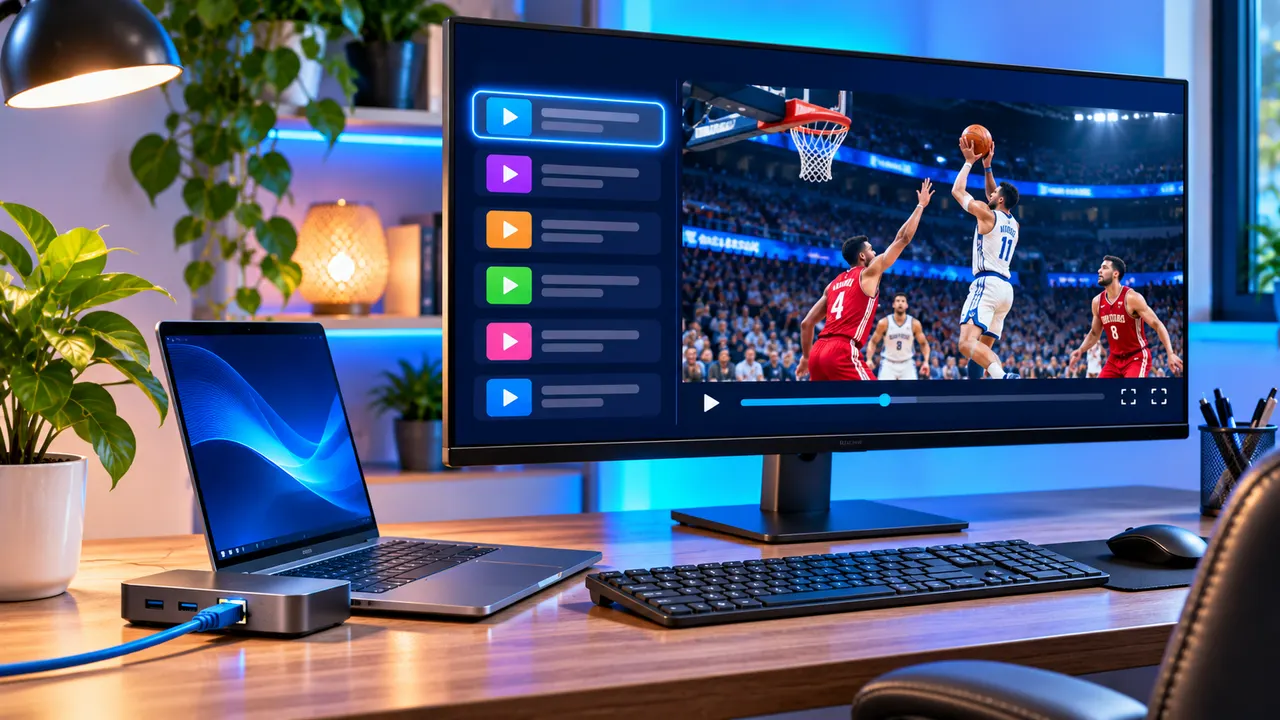
Covers: Windows 10 and Windows 11 laptops and desktops. Works with any player that accepts an Xtream Codes login or an M3U link.
What you need
- A Windows 10 or 11 PC
- Your Lemo IPTV login from the welcome email or WhatsApp (username, password, server URL — or the M3U link)
Which player app to use
VLC media player
Free and open source, from videolan.org or the Microsoft Store. Best for a quick test with your M3U link.
An IPTV player from the Microsoft Store
Search the Store for “IPTV”. Look for Xtream Codes support to get the TV guide and the movie library.
Player apps are made by independent developers, not by Lemo IPTV. We don't host APK files. Why there's no Lemo IPTV app.
Step-by-step setup about 5 min
- 1
Quick start: install VLC
Install VLC from videolan.org or the Microsoft Store.
- 2
Open your M3U link
In VLC choose Media → Open Network Stream, paste your Lemo IPTV M3U link and select Play. Open View → Playlist to see the channel list.
- 3
For a TV guide: install an IPTV player
Open the Microsoft Store, search “IPTV”, install a player that supports Xtream Codes and add your server URL, username and password.
- 4
Go full screen
Double-click the video (or press F in many players). If you have a second monitor, drag the player onto it.
Tips for a better picture
- A wired Ethernet connection is the best way to avoid buffering on a desktop PC.
- Close other heavy downloads (game updates, cloud backups) while watching live sports.
- On a Mac, VLC works the same way: File → Open Network.
Common Windows PC problems
- VLC shows the list but channels won't play
- Update VLC to the latest version, then try again. If one channel fails but others play, tell support which channel it is.
- Browser warns about the download
- Download VLC only from videolan.org or the Microsoft Store. Never run an installer from a site you don't know.
Something else? Lemo IPTV troubleshooting covers buffering, login errors and channels that won't load.
Windows PC questions
Can I watch in a web browser?
We don't offer a web player. Use VLC or an IPTV player app instead.
Does a PC count as a connection?
Yes. Every device that is playing at the same moment uses one connection on your plan.
By Lemo IPTV Support Team. Written by the Lemo IPTV support team from the questions customers ask most. App menus change after updates; if a step looks different on your screen, message support.