
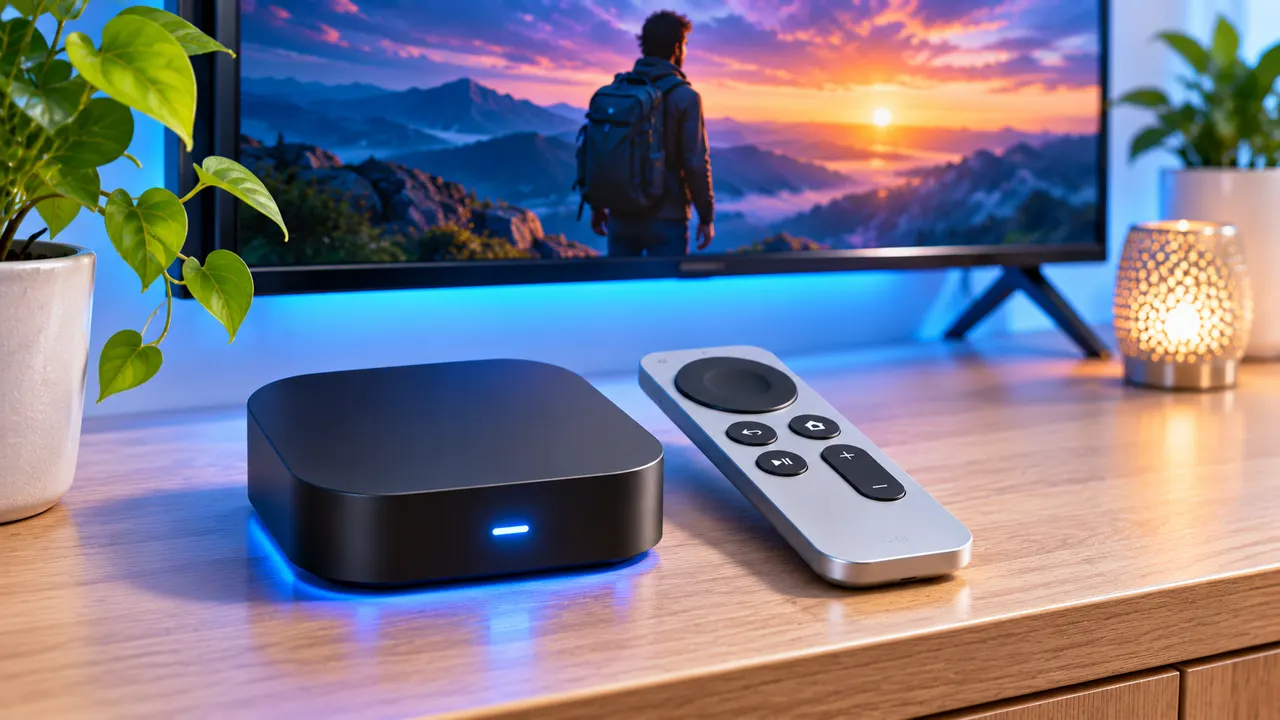
Covers: Apple TV 4K and Apple TV HD running tvOS. Works with any player that accepts an Xtream Codes login or an M3U link.
What you need
- Apple TV 4K or Apple TV HD with tvOS updated
- Your Lemo IPTV login from the welcome email or WhatsApp (username, password, server URL — or the M3U link)
- An Apple ID signed in on the Apple TV
Which player app to use
IPTV players in the tvOS App Store
Search the App Store on the Apple TV for “IPTV”. Look for players that support Xtream Codes, which gives you the TV guide and the movie library.
Paid vs free players
Some players charge a one-time price or a subscription to their developer. That cost is separate from your Lemo IPTV plan.
Player apps are made by independent developers, not by Lemo IPTV. We don't host APK files. Why there's no Lemo IPTV app.
Step-by-step setup about 10 min
- 1
Open the App Store on Apple TV
Select the App Store icon on the home screen, go to Search and type “IPTV player”.
- 2
Install a player that supports Xtream Codes
Open the listing and check the description mentions Xtream Codes or Xtream API. M3U-only players work too, but usually show less of the movie and series library.
- 3
Add your Lemo IPTV account
Open the player, choose Add playlist or Add account → Xtream Codes, and enter the server URL, username and password. Typing is easier with the Apple TV Remote in Control Center on your iPhone.
- 4
Let the guide and library load
The first load fetches channels, the movie and series library and the TV guide. Keep the app open until it finishes.
- 5
Set match frame rate
In Settings → Video and Audio → Match Content, turn on Match Frame Rate. Sports and US broadcasts then play at their native frame rate, which looks smoother.
Tips for a better picture
- Apple TV 4K (2nd generation and later) with Ethernet is one of the steadiest IPTV setups available.
- Many tvOS players sync settings through iCloud, so the same player on iPhone may pick up your playlist.
Common Apple TV problems
- I can't find a player in the App Store
- App availability depends on your App Store country. Message support and we'll suggest players available in your region.
- Picture judders on sports
- Turn on Match Frame Rate (Settings → Video and Audio → Match Content).
Something else? Lemo IPTV troubleshooting covers buffering, login errors and channels that won't load.
Apple TV questions
Can I install an APK on Apple TV?
No. Apple TV only installs App Store apps, which is also why it's a safe choice.
Does the player cost extra?
Some do. Prices are set by the app developer and paid through the App Store, separately from your Lemo IPTV plan.
By Lemo IPTV Support Team. Written by the Lemo IPTV support team from the questions customers ask most. App menus change after updates; if a step looks different on your screen, message support.