
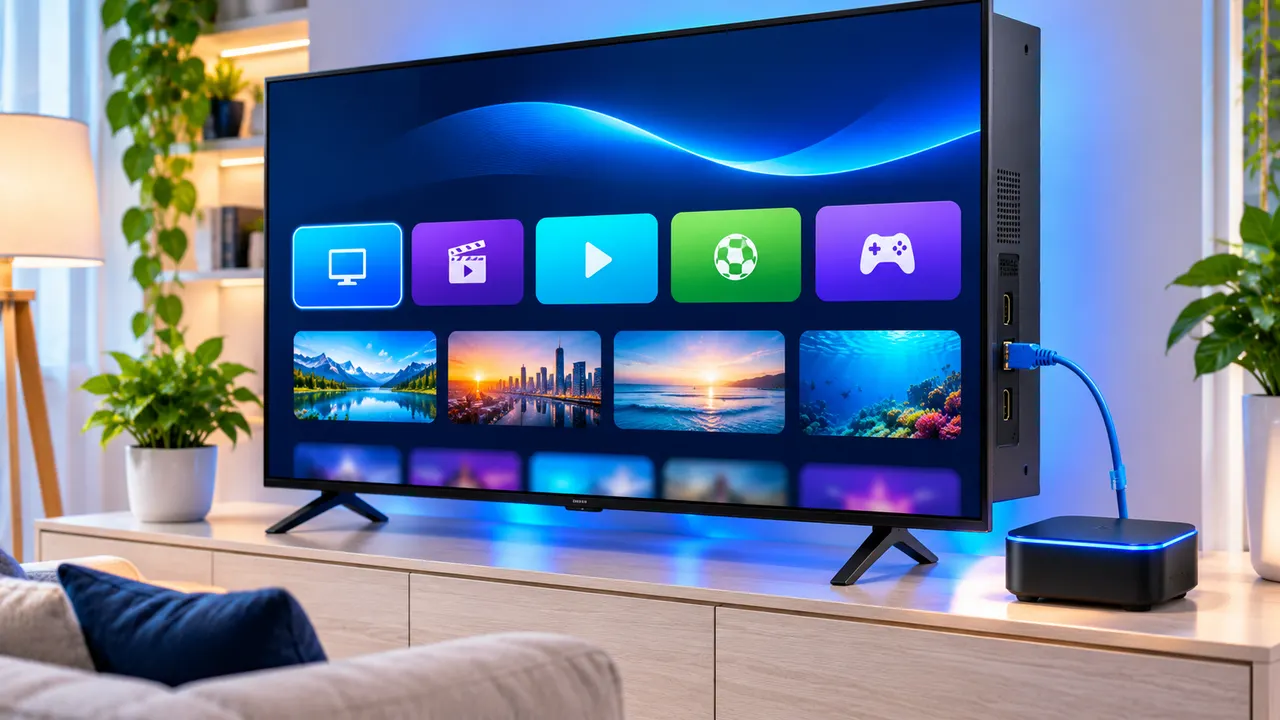
Covers: Fire TV Cube, Amazon Fire TV Omni and Fire TV Edition smart TVs. Works with any player that accepts an Xtream Codes login or an M3U link.
What you need
- A Fire TV smart TV or Fire TV Cube connected to the internet. Ethernet is best if the TV or Cube has a port.
- Your Lemo IPTV login from the welcome email or WhatsApp (username, password, server URL — or the M3U link)
- The Fire TV remote
Which player app to use
Player from the Amazon Appstore
Try the store first: apps installed from it update automatically.
Player installed with Downloader
Same method as on a Fire TV Stick. Support sends the developer's current download link.
Player apps are made by independent developers, not by Lemo IPTV. We don't host APK files. Why there's no Lemo IPTV app.
Step-by-step setup about 15 min
- 1
Use Ethernet if you can
Most Fire TV smart TVs and the Fire TV Cube have an Ethernet port. Plug a cable from the router into it. A wired connection is the most effective way to prevent buffering on live sports.
- 2
Find the About screen
On newer software it's under Settings → Device & Software → About. On older software it's under Settings → My Fire TV → About. Highlight the device or TV name and press select seven times to unlock Developer Options.
- 3
Install Downloader and allow it
Install Downloader from the Appstore, then open Developer Options → Install unknown apps and switch it ON for Downloader only.
- 4
Install the player and sign in
Install the player you chose, open it, pick the Xtream Codes login and type the username, password and server URL from your welcome message.
- 5
Set up the picture
On Fire TV smart TVs, live TV looks smoother with motion smoothing turned off. Open the TV's picture settings while a channel is playing and choose the Standard or Movie mode.
- 6
Check free storage
Fire TV smart TVs often ship with limited free storage. If the player is slow or the guide won't load, uninstall apps you don't use under Settings → Applications.
Tips for a better picture
- On a Fire TV Cube you can open the player hands-free once it's on the home screen: say “open” and the app name.
- If the TV has several HDMI inputs, set it to start on Fire TV home so the remote works right away.
- Update Fire OS (Settings → Device & Software → Updates) before you install the player.
Common Fire TV problems
- Menus don't match the Firestick guide
- Fire TV smart TVs moved About to Device & Software. Everything else, including Developer Options and Install unknown apps, works the same way.
- Picture stutters on fast motion
- Turn off motion smoothing in the TV's picture settings and, if you can, switch to Ethernet.
- Not enough storage to install
- Remove apps you don't use and clear the cache of large apps under Settings → Applications → Manage installed applications.
Something else? Lemo IPTV troubleshooting covers buffering, login errors and channels that won't load.
Fire TV questions
What's the difference between this guide and the Firestick guide?
Same software, different hardware. Fire TV smart TVs and the Cube put About under Device & Software, usually have an Ethernet port, and have TV picture settings you can tune.
Can my Fire TV smart TV and a Firestick share one subscription?
Yes, as long as your plan has enough connections for the number of devices watching at the same time.
By Lemo IPTV Support Team. Written by the Lemo IPTV support team from the questions customers ask most. App menus change after updates; if a step looks different on your screen, message support.